Write-up
Tab Widgets: a 69-widget dashboard for your new tab
New tab extension covering tasks, markets, AI chat and smart home control.
Tab Widgets turns Chrome's new tab into a dashboard with 69 widgets, from AI chat and market data to smart home control. Here is what's free and what Pro costs.
At a glance
- Type: browser extension that replaces the new tab page with a grid of configurable widgets (tabwidgets.com, read 2026-09-29)
- Pricing: free Starter plan (10 widgets, 1 page), Pro at $4.99 a month or $44.99 a year, and a Lifetime plan at $179.99 (tabwidgets.com/pricing, read 2026-09-29)
- License: proprietary, made by NOIR APPS PTY LTD, a solo developer based in Australia (about, read 2026-09-29)
- Install: Chrome Web Store, plus a web app version at app.tabwidgets.com that needs no extension
- Platforms: Chrome, web
- Links: tabwidgets.com · Tab Widgets pricing · Widget catalog · Chrome Web Store listing
- Paid plans from
- $44.99 USD, checked (source)
Last checked
Screenshots
What it is and who it's for
Tab Widgets turns the browser's new tab page into a dashboard built from 69 widgets, arranged in a grid or placed freely depending on the plan (tabwidgets.com/widgets, read 2026-09-29). It is designed, built and maintained by one indie developer in Australia, trading under NOIR APPS PTY LTD, with no team and no outside funding behind it (tabwidgets.com/about, read 2026-09-29).
The product has been renamed twice under the same Chrome extension ID (ejnndgifkmlldcdlifjaeanhjegoafcl). A Wayback Machine snapshot from March 19, 2023 shows the same ID listed as New tab for Hue, a Philips Hue light control extension. A later snapshot from July 1, 2025 shows it as New Tab Widgets. The developer's own blog post, dated June 28, 2026, announced the shorter name Tab Widgets, describing the product as having grown from "widgets for your browser's new tab page" into something closer to a personal command center (tabwidgets.com/blog, read 2026-09-29).
The current widget catalog still carries the Hue lineage forward: four dedicated Philips Hue widgets plus a combined link and scene widget sit alongside the newer AI, markets and productivity widgets.
It suits someone who wants a wide, mix-and-match set of tools on their new tab, from AI chat windows to a stock ticker to a Philips Hue light control, rather than a single fixed layout.
Features worth knowing
The free Starter widgets cover a lot of ground on their own: RSS-backed news feeds for outlets like the BBC, Reuters and the Guardian, a search bar, bookmarks, a Pomodoro timer, a countdown and timer widget, a currency and unit converter, Word of the Day, Quotes, a to-do list, sticky notes, CPU and memory monitors, and Steam game launching (tabwidgets.com/widgets, read 2026-09-29). The Hue widgets (Hue Group, Hue Group API V2, Hue Scene, Hue Scene API V2, and a combined Link and Hue Scene widget) and a Sony Bravia TV remote widget are also free, letting the extension double as a small smart home remote from inside the browser.
AI chat widgets embed ChatGPT, Claude, Google Gemini, DeepSeek and Perplexity directly on the dashboard, and social and productivity apps (Instagram, TikTok, Pinterest, Discord, Facebook, Messenger, WhatsApp, Google Docs, Sheets, Slides and Maps) embed the same way, all on the free tier. The Pro tier gates a specific, named set of widgets instead of gating the whole product: Google Calendar, Google Drive, Gmail, an Image widget, RSS Feed, Spotify, and the two TradingView market widgets, plus features layered onto free widgets such as custom icons on Link Bookmarks, unlimited links per Link Group, and custom fonts on Sticky Notes (tabwidgets.com/pricing, read 2026-09-29).
Getting started
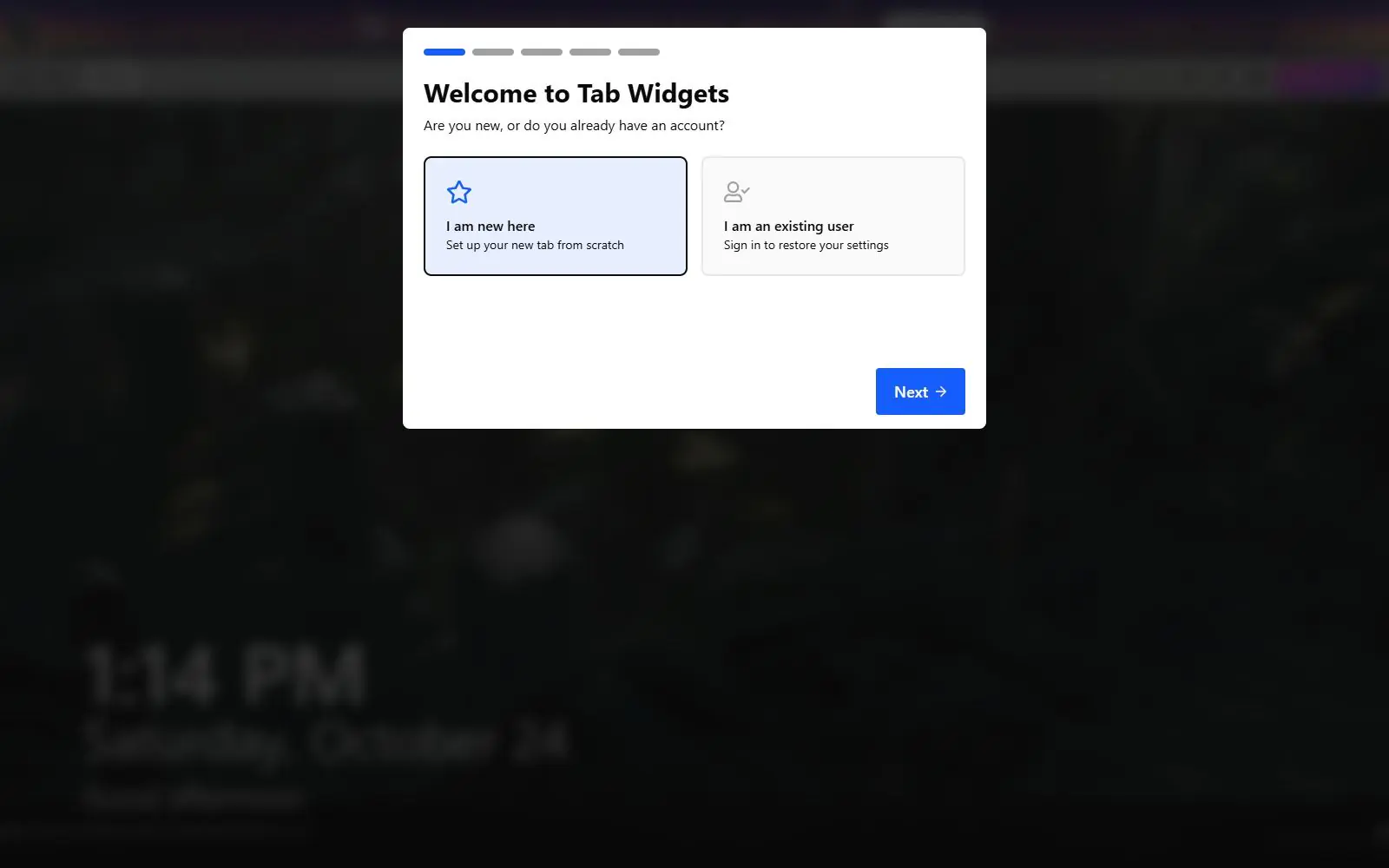
Add it from the Chrome Web Store, then accept the browser's own prompt to keep it as the new tab page. No account or credit card is needed to start on the free Starter plan, capped at 10 widgets and 1 page. A web app version at app.tabwidgets.com offers the same dashboard from any browser tab without installing the extension at all.
Pricing (checked 2026-09-29)
Starter is free and needs no account: up to 10 widgets, 1 page, and the basic widget set and layouts. Pro removes both caps, unlocks the gated widgets listed above, and adds a free-placement layout mode, cloud sync across devices, per-page wallpapers and custom CSS. Pro costs $4.99 a month, or $44.99 billed annually, which works out to about $3.75 a month. A Lifetime plan bundles everything in Pro plus future widgets and updates for a one-time $179.99 payment, though the site limits it to the first 20 buyers. Checkout runs through Stripe, with cancellation any time and a 30-day money-back guarantee on the subscription plans (tabwidgets.com/pricing, read 2026-09-29).
Limits and trade-offs
Despite a version history reaching back to a 2024 beta under two earlier names, Tab Widgets' Chrome Web Store listing shows only 2,000 users, well behind Momentum's or Infinity New Tab's user counts in the same category.
The widget-tier split is more granular than a simple free-versus-paid switch. A handful of widgets (the Iframe widget, Link Bookmark, Link Group, Sticky Note and Launch Steam Game) work on the free tier but hide specific sub-features behind Pro, such as custom CSS injection on an iframe or a custom font on a sticky note, so it is worth checking the per-widget comparison table before assuming a widget is fully free.
It is a one-person project. The developer says so directly on the about page, and it cuts both ways: feedback reportedly reaches the person building the product directly, but there is no larger team behind support or continuity if that changes.
It ships on Chrome only. There is no Firefox or Edge listing referenced anywhere on the site, so the web app at app.tabwidgets.com is the only route for anyone on a different browser.
Alternatives
- Momentum, a simpler new tab extension built around a single photo, quote and to-do list rather than a widget grid.
- Infinity New Tab, built around icon folders and rotating wallpapers instead of live widgets.
- Bonjourr, an open source, minimalist new tab with quick links and its own Pomodoro timer.
- Anori, open source, with folders, widgets and custom themes.
- Start Page HQ, which spans feeds, tasks, developer tools and AI in a similar breadth-first way.
Questions people ask
What is the best new tab extension for Chrome?
There is no single best pick. Tab Widgets leans toward breadth: 69 widgets covering AI chat, live markets, smart home control and more, aimed at someone who wants one tab to replace several. If you want a single calm scene instead of a grid to configure, Momentum or Bonjourr fit a different habit.
What is the new tab URL?
In Chrome, it is chrome://newtab. Tab Widgets only overrides that page; it does not change your default search engine or startup settings, so opening a new tab is the only thing that changes after you install it.
How to get Chrome tabs back to normal?
Remove Tab Widgets from chrome://extensions. The browser's own default new tab returns as soon as the extension is gone.
Sources
- tabwidgets.com, read 2026-09-29
- tabwidgets.com/pricing, read 2026-09-29
- tabwidgets.com/widgets, read 2026-09-29
- tabwidgets.com/about, read 2026-09-29
- tabwidgets.com/blog, read 2026-09-29
- Rebrand announcement, read 2026-09-29
- Chrome Web Store listing, read 2026-09-29
- Wayback Machine, snapshot of chrome.google.com/webstore/detail/new-tab-for-hue/ejnndgifkmlldcdlifjaeanhjegoafcl dated 2023-03-19, read 2026-09-28
- Wayback Machine, snapshot of chromewebstore.google.com/detail/ejnndgifkmlldcdlifjaeanhjegoafcl dated 2025-07-01, read 2026-09-28
- DashSuey product information (dashsuey.com), checked 2026-09-29
Last checked 2026-09-29.